
Real-time voice, video and streaming
Make your apptalk, see andgo live.
Video meetings, one-to-one calls, audio rooms, live streams and AI voice and video agents for your app. Add the Flutter, Web, Android or iOS SDK and run in multiple regions, without operating media servers yourself.
Beauty filter free with every subscription
 Daniel
 Mei
Mei Sofia
Sofia Rafi
Rafi Lena
Lena

FIG. 01 / Video meetingIllustration
- Video meetings→
- One-to-one calls✱
- Audio rooms→
- Live streams✱
- AI voice agents→
- AI video agents✱
- Beauty filter→
- Gravix Studio✱
- Flutter→
- Web✱
- Android→
- iOS✱
One platform and one set of SDKs for every real-time moment in your app: Voice rooms, Video calls, Live streams, AI agents that join the conversation, a Beauty filter included free, and Studio to design the look.
Six products.One platform.
Every product runs on the same rooms, tokens and SDKs, so you can start with one and add the next without a new integration.
01 Voice
Voice calls and audio rooms
One-to-one calls, group voice chat and live audio rooms with hosts, speakers and a listening audience.
1:1 callsGroup voiceAudio rooms
See Voice02 Video
Video calls and meetings
One-to-one and group video calls. Video is sent in several quality layers, so each person gets the best picture their connection can carry.
1:1 videoGroup callsMeetings
See Video03 Live
Live streaming
A host goes live to an audience, and chat, gifts and reactions land while the moment is still live.
One to manyReal-time
See Live streaming04 AI agents
AI voice and video agents
An AI participant joins the room like a person. A voice agent listens and answers out loud; a video agent also appears on camera.
Voice agentsVideo agents
05 Beauty filter
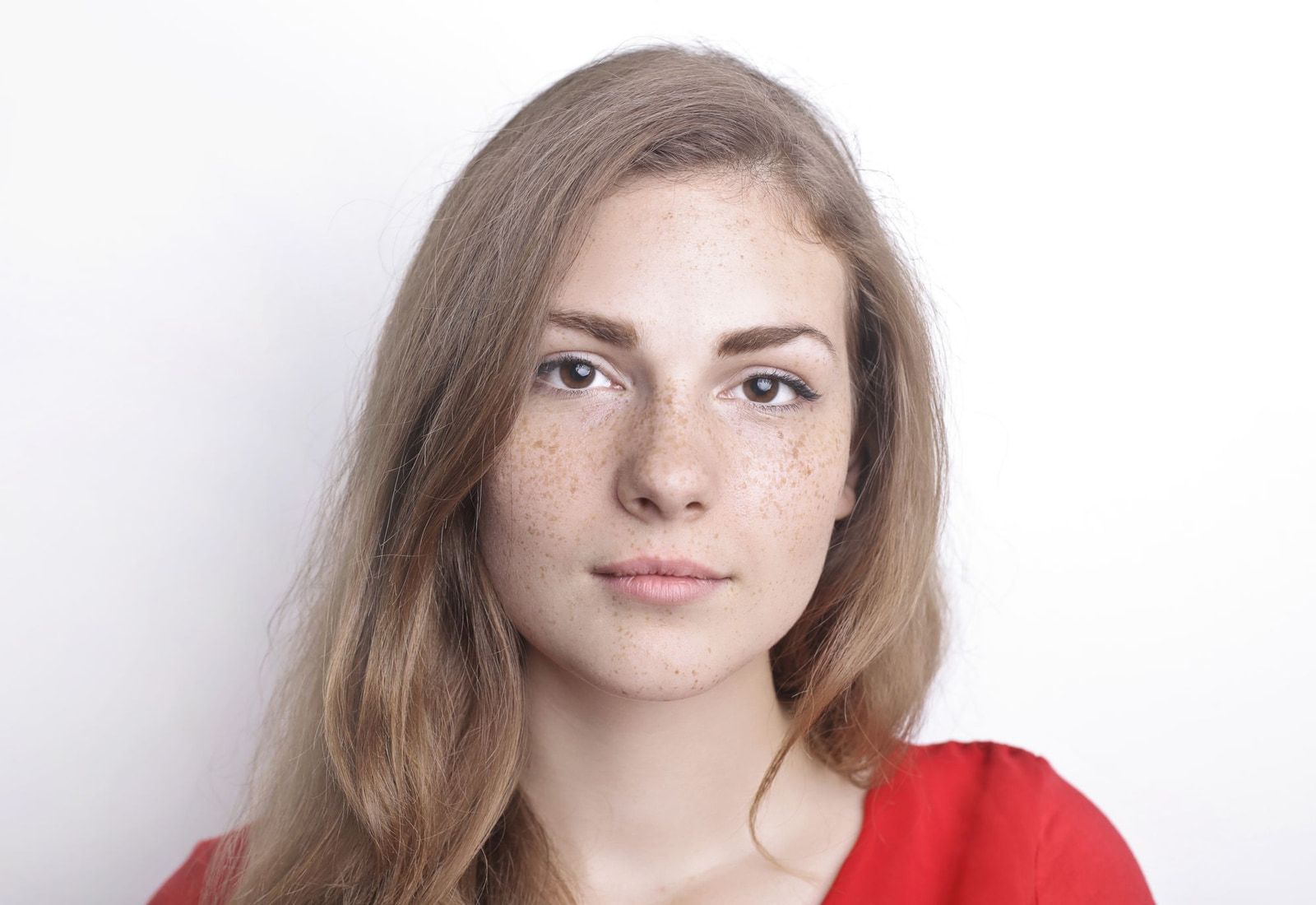
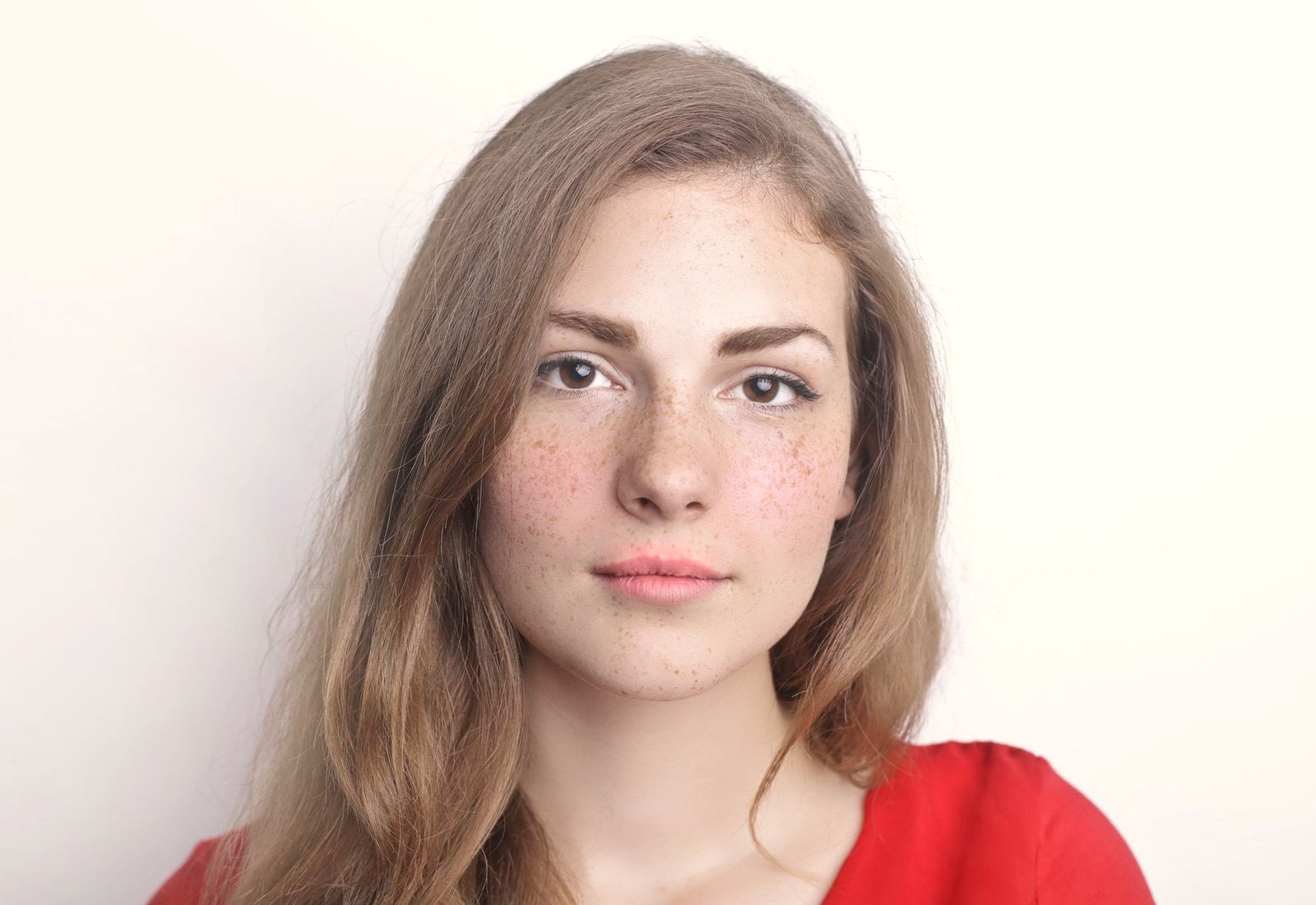
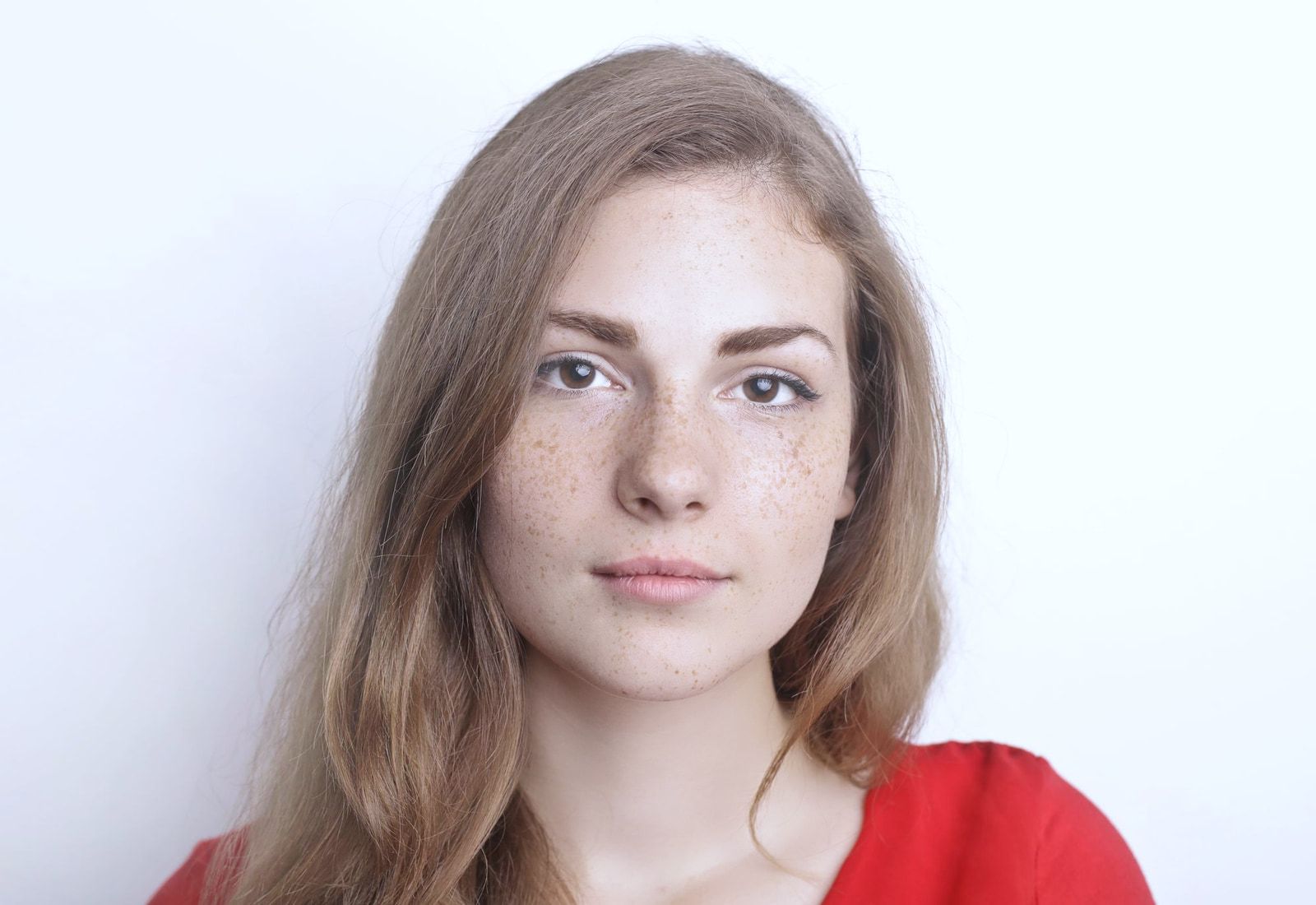
Real-time beauty filter, free
Natural-looking skin, face shaping and colour looks on live video. Included free with every subscription.
Free with every plan
See Beauty filter06 Studio
Gravix Studio
Design camera looks in your browser, preview them live and export one look file for your app.
Look editorLive preview
See Gravix Studio







 Live
Live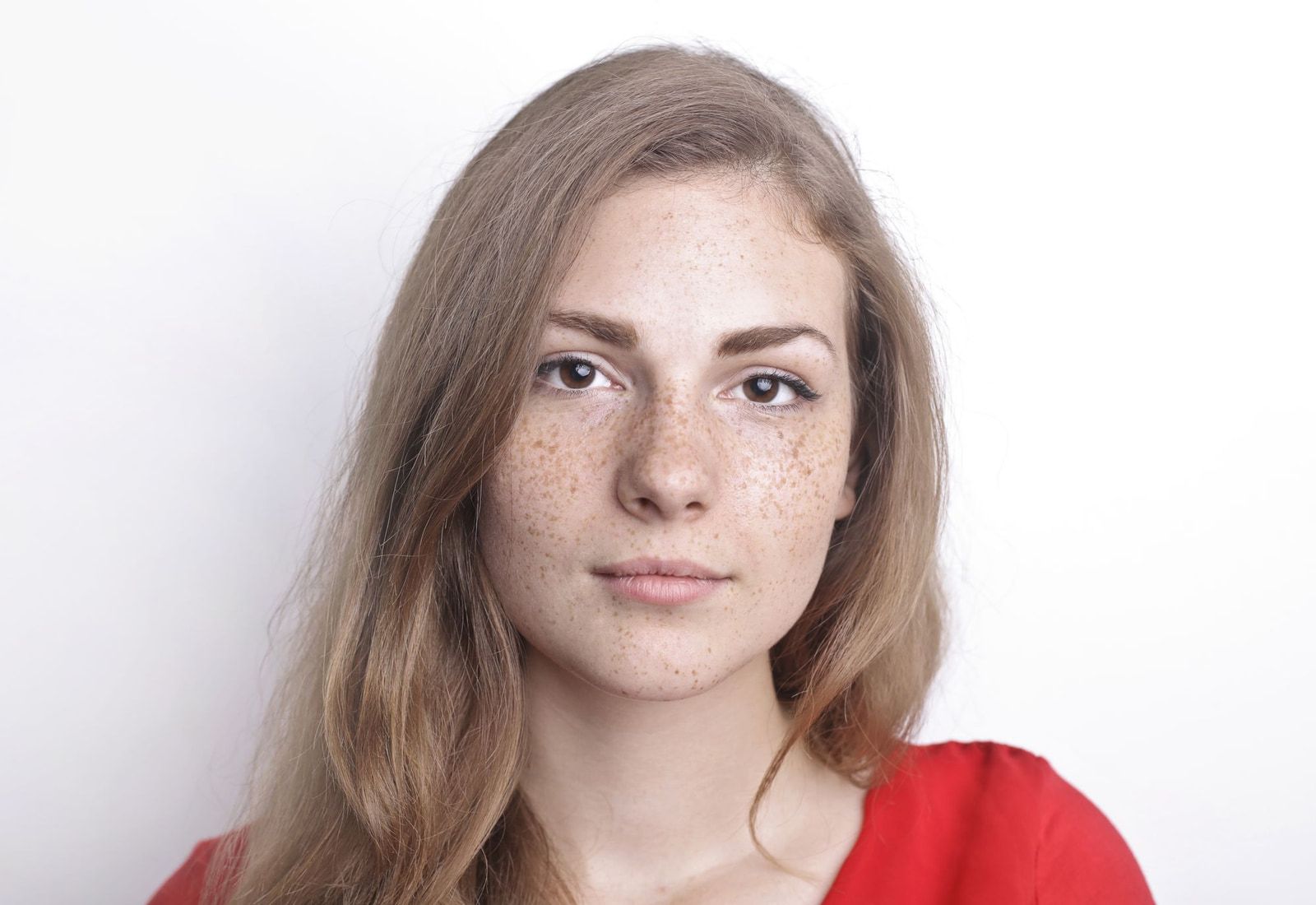

From sign-up to a liveroom in three steps
No media servers to run. You keep control of who joins, because every join needs a token from your own server.
Create a project
Sign in to the Gravix Cloud console and create a project. You get an App ID and an App Certificate. The App Certificate stays on your server.
Issue tokens from your server
When a user joins, your backend signs a short-lived access token for that user and that room. Your app never sees the secret.
Join from your app
The SDK fetches the token from your backend and joins the room. Each person connects through a region near them.
import 'package:gravix_rtc/gravix_rtc.dart';

final room = GravixRoomService();

final tokens = GravixTokenProvider.endpoint(
  Uri.parse('https://api.example.com/rtc/token'),
  headers: {'Authorization': 'Bearer $session'},
);

final ok = await room.connectWithTokenProvider(
  tokenProvider: tokens,
  request: GravixTokenRequest(room: roomId, identity: uid, name: name),
  publishMic: true,
  enableVideo: true,
);
The token comes from your server. Never put the App Certificate in app code.
Four platforms.One token flow.
Pick the SDK for your platform. Every SDK joins the same rooms, so an Android user, an iOS user and a web user can be in one call.
Flutter
One package for Android and iOS apps built with Flutter, published as gravix_rtc.
flutter pub add gravix_rtcWeb
Calls, rooms and live streams in the browser, with TypeScript types, published as gravix-rtc.
npm install gravix-rtcAndroid
Android apps use the Flutter package, gravix_rtc, and join the same rooms as your web and iOS users.
Setup in the docs for AndroidiOS
iOS apps use the Flutter package, gravix_rtc, with the same token flow from your server.
Setup in the docs for iOS
Built forglobal real-time
Conversations feel natural when the route is short. Gravix Cloud handles the routing, so your users just talk.
A region near each person
Each person connects through a region close to them, and media takes a short route between participants.
Quality that adapts
Video is sent in several quality layers, so each viewer gets the best picture their connection can carry.
Encrypted in transit
Audio and video are encrypted between devices and the platform with DTLS-SRTP.
Tokens from your server
Every join needs a short-lived token that your backend issues. Nobody gets in without one.
Drag the globe to spin it. Illustration only.
What teams buildwith Gravix Cloud
Common starting points. Tell us what you are building and we will help you pick the products and the plan.
- Live audio roomsHosts and speakers on stage, a listening audience, and people invited up to talk in real time.
- Social, dating and community appsOne-to-one voice and video calls, group video calls and a beauty filter that is included free.
- Live creator platformsCreators go live to their audience, and chat, gifts and reactions land while the moment is still live.
Pricing,in the open
Pay for what you use. New accounts get 10,000 free minutes. The real-time beauty filter is included free with every plan.
Starter
$1per 2,000 minutes
- Pay by the minute
- 10,000 free minutes when you sign up
- Encrypted audio and video
- Usage analytics
- Beauty filter included free
Professional
$200per 150 concurrent participants
- 150 concurrent participants per $200
- 10,000 free minutes when you sign up
- Encrypted audio and video
- Usage analytics
- Low-latency regions worldwide
- Beauty filter included free
Enterprise
$7,999terms and conditions apply
- A custom agreement for your company
- Encrypted audio and video
- Usage analytics
- Low-latency regions worldwide
- Beauty filter included free
- Scope and terms: contact sales
Questions,answered
Anything else? Call or WhatsApp us and a person will answer.
What is Gravix Cloud?
Gravix Cloud is a real-time communication platform for app developers. It gives your app voice calls, video calls, live audio rooms, live streaming and AI voice and video agents through SDKs, so you do not have to build or run your own media infrastructure.
How do I add voice or video calling to my app?
Create a project to get your App ID and App Certificate, issue a short-lived access token for each user from your own server, then join a room with the Gravix Cloud SDK in your app. The SDK connects each user to a nearby region and handles audio and video for you.
Which platforms do the Gravix Cloud SDKs support?
Gravix Cloud provides SDKs for Flutter, Web, Android and iOS. The Flutter SDK is published as gravix_rtc.
Does my secret key go inside the app?
No. Your secret stays on your server. Your server issues a short-lived access token for each user and room, and the app only ever receives that token.
Can I build live audio rooms with hosts, speakers and listeners?
Yes. Audio rooms are a core use case: hosts and speakers talk while a large audience listens, and you can move people on and off stage in real time.
What are AI voice agents and AI video agents?
They are AI participants that join a call or room like a person would. A voice agent listens and talks back, for example as a support assistant or room host. A video agent also appears on camera, for example as a tutor or presenter.
Is the beauty filter really free?
Yes. The Gravix real-time beauty filter is included free with a Gravix Cloud subscription. It adds skin smoothing, tone and colour grading, face shaping and makeup effects to live video on Android and the web, with a Flutter plugin.
What is Gravix Studio?
Gravix Studio is an editor that runs in your browser for creating beauty and camera looks. You design a look with tone, face shaping, colour grades, makeup, stickers and captions, preview it live on your camera, a video or a photo, and export a single look file that the Gravix beauty filter renders in your app.
How much does Gravix Cloud cost?
Starter is $1 per 2,000 minutes. Professional is $200 per 150 concurrent participants. Enterprise is $7,999 (terms and conditions apply). Contact sales for a custom plan.
Can I try Gravix Cloud first?
Yes. Every new account gets 10,000 free minutes when you sign up, so you can build and test calls on your own network before you pay.
How do I contact Gravix Cloud sales?
Call or WhatsApp +880 1703-449000, or email sales@gravixcloud.com.
Tell us whatyou are building
A person answers. Call, WhatsApp or email us, or sign up and get 10,000 free minutes to try it on your own network first.